Windows使用ClashForWindows
1、ClashForWindows客户端文件下载
Clash For Windows 地址:https://docs.cfw.lbyczf.com/
Windows版本 Github地址:https://github.com/Fndroid/clash_for_windows_pkg
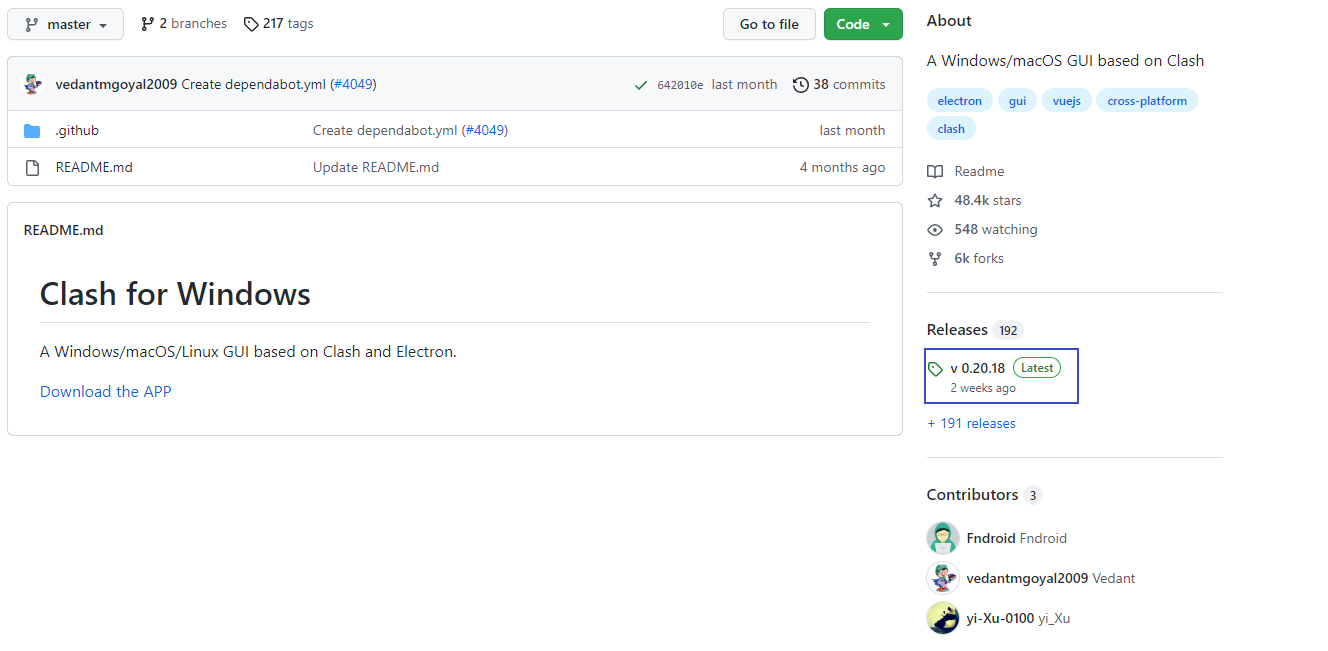
点击Releases,进入到发布页
选择 Releases选项卡
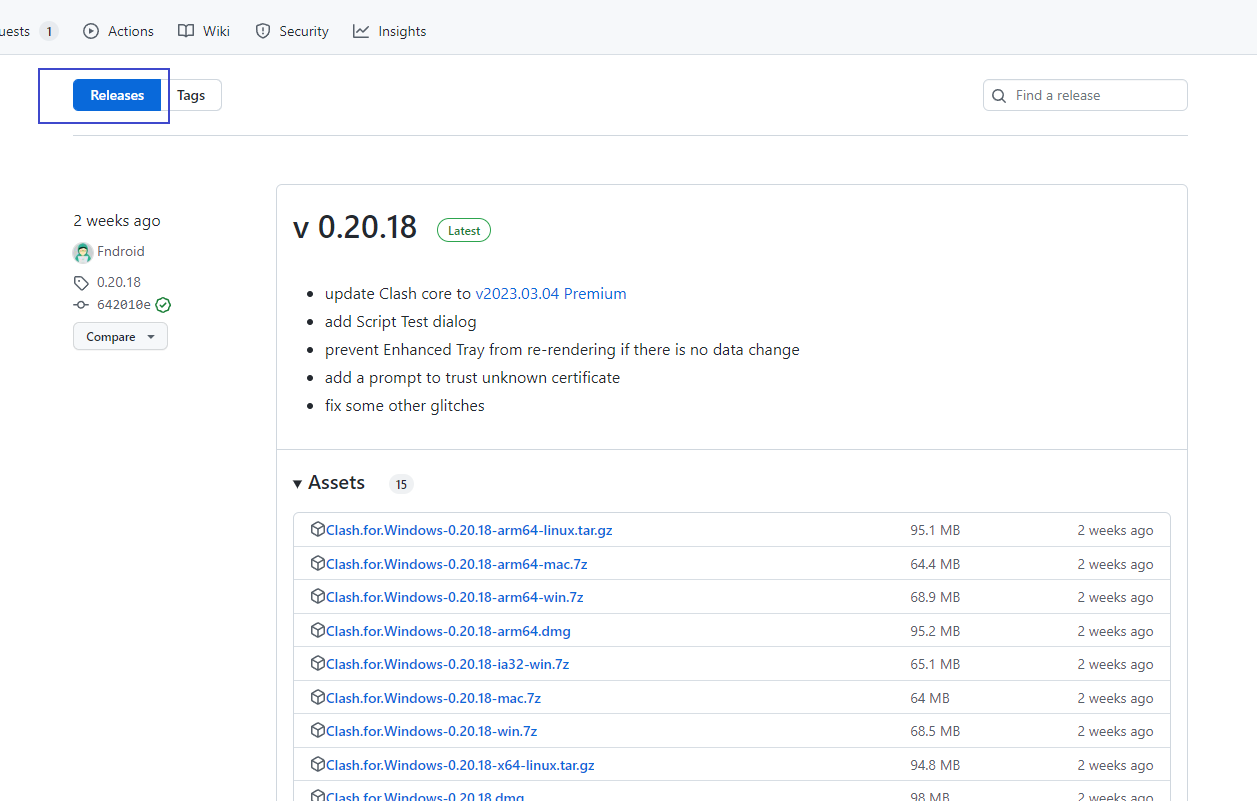
找到适合自己系统版本的条目,鼠标单击下载
2、Clash For Windows 客户端安装
找到下载好的 exe 安装程序,并双击运行

Windows使用ClashForWindows
https://saotolls.github.io/2023/03/22/Windows使用ClashForWindows/